
Enterprise ERP & CRM Solutions with
Sage Hosting
Maximize Sage ERP & CRM Performance on Secure Cloud Infrastructure
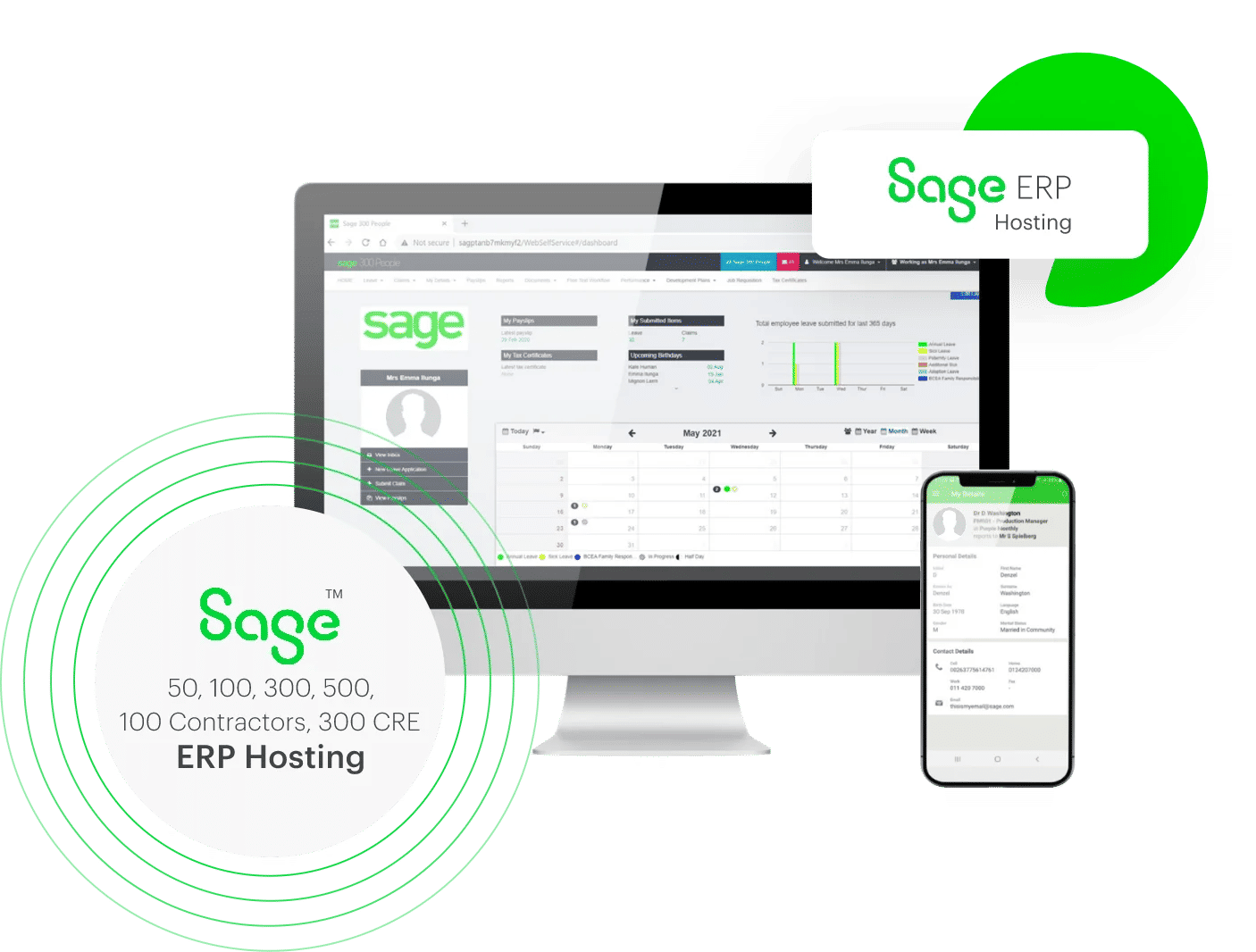
Sage Hosting: Unlock the Full Power of Your Sage Software in the Cloud
If you run an accounting practice, the question stopped being whether to move Sage to the cloud — it's how to do it without losing the desktop features your team relies on. Sagenext hosts your licensed Sage software — Sage 50, 100, 300, 500, plus the ERP and CRM products — on cloud servers, so your CPAs and bookkeepers can log in from any laptop, tablet, or phone. The Sage interface looks the same. The workflows behave the same. The only thing that changes is where the server lives and who's responsible for keeping it running.
Where cloud hosting earns its keep is when multiple people need the same file. Two accountants in different cities can be in the same Sage company simultaneously, watching each other's changes land in real time. Month-end closes go faster. Client handoffs stop being a scheduling problem. Sagenext's infrastructure — high-availability servers, dedicated CPU and storage per client, SSAE-18 certified data centers — quietly does the work your office hardware used to.
Why Choose Sagenext as Your Sage Hosting Provider?
Sage hosting providers vary in quality more than the marketing pages let on. Sagenext has run Sage workloads for U.S. accounting firms since 2009. We know how Sage's database behaves under pressure, where its licensing trips up multi-user setups, and what your auditors will ask about your hosting infrastructure. The platform that backs that experience:

Why CPAs & Accounting Firms Choose Sagenext for Sage Hosting
High-Performance Servers
Dedicated vCPUs, ample RAM, and NVMe SSD storage — Sage feels snappier than on most office machines.
Multi-Layer Security
Enterprise firewalls, intrusion detection in real time, and AES-256 encryption — for data both in transit and at rest.
99.99% Uptime Guarantee
Backed by an SLA. Sage stays reachable when your team and clients need it, not when it's convenient.
Integrations That Work
Plays nicely with Microsoft 365, your tax software, payment processors, and 500+ Sage-compatible add-ons.

Features and Benefits of Sage Cloud Hosting for Businesses
What growing firms actually need from a hostWhat our Sage hosting actually does for accounting teams.
Moving Sage to the cloud isn't just an IT change. The difference shows up in your firm's hours, infrastructure bills, and overall workload.

Security & Compliance Built Into Every Layer
Your clients' financial records sit on SSAE-18 certified servers, behind enterprise firewalls and intrusion detection. Daily backups go to three geographically separated locations. Access is role-based — only the people who should see a file can.

Lower Total Cost (OPEX vs. CAPEX)
Move from one-time server purchases to a flat monthly subscription. No upfront hardware, no IT manager to staff full-time, no maintenance surprises. The cost matches what your team uses, month to month.

Performance That Scales With You
Office servers age slowly until they don't. Your Sage virtual desktop runs on dedicated CPU and storage you can resize on demand — add five users for tax season, drop them in April. No hardware to buy when your firm grows; no servers gathering dust when it doesn't.

Updates Happen Without You Noticing
Software updates, security patches, and health monitoring happen in the background — usually overnight, never when your team is in the file. You stay on a current, supported Sage version without anyone in your office having to schedule it.

Anywhere Access, Real Multi-User Mode
Open your Sage desktop from a PC, Mac, tablet, or phone — wherever has an internet connection. Your team works from home, a client office, or the road, and the experience is the same as sitting at the firm's main computer. Multi-user mode means several CPAs and bookkeepers can be in the same Sage file at once, cutting hours off your month-end close and shrinking the financial reporting cycle.
What Versions of Sage Do We Host?
Manage and monitor your business from anywhereWe've hosted every major Sage product version for years. Each is tuned for a different size of business or use case — accounting, CRM, ERP, construction. Pick the one you already license; we'll help if you're not sure which fits.

Sage 50 Hosting
Deploy Sage 50 on the cloud to streamline your business accounting from any remote location.

Sage 100 ERP Hosting
Collaborate with colleagues and clients in real-time to achieve your organizational objectives faster.

Sage 300 ERP Hosting
Gain real-time visibility into your business finances and operations by hosting Sage 300 ERP with us.

Sage 500 ERP Hosting
Host Sage 500 ERP for comprehensive enterprise management and elevated business performance.

Sage 100 Contractor
Host Sage 100 Contractor for end-to-end construction project management and financial oversight.

Sage 300 CRE
Host Sage 300 CRE for integrated construction and real estate enterprise resource management.
How Does Sage Cloud Hosting Differ from On-Premises Sage Applications?
Making the right choiceThe traditional setup puts Sage on an office desktop or a local server, with your in-house IT team responsible for everything that goes wrong. Cloud-hosted Sage runs on the hosting provider's servers, and your team connects through Remote Desktop (RDP). The software itself is identical; what shifts is who keeps it running.
Beyond who's at the keyboard, the real differences show up in total cost of ownership, who handles software updates, how add-ons get integrated, and which extras come bundled with Sage ERP and CRM hosting plans.
Swipe to compare →
| Factors | Cloud Based Sage | Traditional Desktop-based Sage |
|---|---|---|
| Deployment | Deployed on remote servers with service providers being responsible for ensuring availability of hosted Sage Application. | Software deployed in-house with owners being responsible for maintaining the infrastructure and the associated process. |
| Cost of Ownership | Requires software license and a nominal cloud subscription to operate | Requires a complete IT setup on premise, which needs hefty upfront investment |
| Compatibility | Can be used across any device with the same desktop features | Compatible only with laptops and desktops. |
| Security | SSAE-18 Certified data centers with enterprise level measures ensure complete data security | Your in-house IT team is responsible for data security |
| Compliance | Cloud service providers ensure that the set regulatory controls and compliances are met | You need to maintain the regulatory controls and compliances |
| Accessibility | Anywhere, anytime access | Access limited to local systems |
Essential Factors When Choosing a Sage Hosting Provider
Make a well-informed decisionCloud hosting providers all sound similar in their marketing. The differences become obvious once your business depends on the choice. A few questions cut through the noise and surface the providers worth shortlisting.
Industry Standards and Compliance
Confirm the provider holds current security and compliance attestations — SSAE 18, HIPAA, PCI DSS. Hosting Sage with a compliant provider settles your data-privacy obligations up front, so your audits don't surface unpleasant surprises later on.
Cloud Setup and Migration
Setting up cloud accounts and moving your data sounds harder than it is. A provider with experience gets your account configured and your existing data moved within hours — not days, and definitely not weeks.
Customizable Hosting Plans
Every accounting practice runs differently. A two-person firm shouldn't be paying for a 50-user setup. Look for a provider who'll size the plan around the users, RAM, and storage you actually need — and adjust as the firm grows.
Supported Add-ons
Sage gets significantly more useful with the right add-ons — payment processors, tax tools, document management, reporting layers. Ask whether your provider has integrated your specific add-ons before. Honest providers will name names; vague ones won't.
Contracts and Commitments
Avoid providers that lock you into annual contracts before you've actually used the platform. Month-to-month subscriptions are the modern default. A free trial — typically 7 days — should let you test the real environment before signing anything.
3 Step Process to Deploy Sage Cloud Hosting
The Sagenext Proven Process
Choose Your Plan
Consult with a cloud specialist to identify the optimal hosting plan tailored to your business requirements.

Share Sage Details
Provide your Sage product license for migration. If you need one, you can purchase directly from Sage.
Cloud Setup
Based on your users, RAM, and storage needs, our engineers configure and launch your Sage cloud environment.
Expertise and Innovation that
Drive Accounting Forward


Customers
Years of Experience
Apps Hosted
Add-ons Support
Client Success Stories:Verified Reviews From Real Firms
I recently upgraded my Sage50 application and virtual server system and now I'm experiencing a better server environment, everything is running smoothly. The support team is amazing , No matter what time of day it is or what time of night it is, they always answer and fix the problems immediately.
We have been using SageNext to host our Sage50 software for several months. The company was very helpful in getting our service set up and operating properly and is very proactive about ensuring everything is satisfactory.
David Green was a great help - he was not only prompt in answering my questions - but fixed the issues I had. I would give him an A+ and a raise! Thank you David.
Sage Hosting Guides for Accountants & CPAs

7 Features About Sage Hosting
Talking about 7 features about Sage hosting that make it stand out. Reliability, cost-effectiveness, security, and remote access to name a few.
Why Sage Hosting Is A Real Big Thing For Tech-Savvy
Sage hosting offers many benefits to its users, especially to accountants and CPAs, that allow them to explore the data, market opportunities, and global expansion.
Best Accounting Practice to the Cloud: 5 Key Things
Thinking of moving your accounting practice to the cloud? Discover 5 essential things every firm must know to improve security, productivity, and client collaboratioAwards: Recognizing Quality & Customer Focus
Independent review platforms have recognised Sagenext four times for uptime, user experience and growth.




Trusted Partner: Expertise You Can Trust
Trusted Partners Play a Vital Role in Ensuring a Seamless Hosting Experience.
Each partner covers a specific part of the stack — storage, authentication, payments and remote access — so the environment stays stable without bolt-ons.


Sage Hosting FAQs
Sage Cloud Hosting is the process of installing and setting up licensed desktop versions of Sage applications and their associated data on to virtual cloud servers for anywhere, anytime accessibility.
Hosting Sage in the cloud lets your team use the same licensed Sage desktop software and company files from any device and location, without buying and maintaining an office server. Businesses choose Sage cloud hosting to cut hardware and IT overhead, keep their data protected with off-site backups, and give staff and their accountant secure access to the books whenever they need it.
Sage runs on dedicated servers, starting at $59/month. The exact figure depends on how many users need access and which applications you host alongside it — see plans and pricing for your configuration.
Yes. Sage 50, Sage 100, Sage 300, and Sage 500 can all be hosted on the cloud — the exact same desktop software you already license, running on a remote server instead of your office machine. You keep the full functionality and interface you're used to, while gaining anywhere access, automatic backups, and built-in security. Sagenext supports Bring-Your-Own-License (BYOL), so you can move your existing Sage license to the cloud rather than purchasing a new one.
Sagenext technical experts are available round-the-clock to provide the necessary assistance for Sage Hosting. Reach us on the Toll-Free number - +1-855-922-7243 or write at support@thesagenext.com for instant Sage hosting solutions. Sagenext has Microsoft certified technical engineers to provide 360-degree support.
Buy Sage hosting for managing various
accounting needs. With a proper license, you can get
access to your account with safe user authentication.
The top benefits of Sage Cloud hosting are -
- Easy file & data access
- Paperless environment
- High data security
- 24/7 technical security
- Data storage and management
- Customized price chart
Get ultimate security to your business's accounting data and minimize the risks.
Yes, your data is fully safe and secured in Sagenext's SSAE-18 compliant data centers. As for the backup, your data is backed up twice a day in three different locations which ensure your data is available and accessible whenever you want.
On a Sagenext server, multi-user access is part of the setup rather than a
setting you switch on yourself. When we install Sage with your license, our team
places the company data on the shared server and adds each licensed user, so
everyone works in the same company files at the same time from wherever they are.
To add users later, contact Sagenext support and we set
them up.
Reach out to Sagenext technical experts at
+1-855-922-7243 for installing Sage Hosting on the
Cloud.
Now share the requirements to decide whether or not the
shared-or-the-dedicated hosting plans may fit your needs.
The experts will assist you in every step to get the
application started and migrate the datasets mapped onto
the cloud server.
Definitely. Bring-Your-Own-License (BYOL) is what we support.
By this way, several users can at the same time work on the same company file but they can be in different locations.
We give 24/7 support from US source via phone, chat, and email.
Try Sagenext's Sage hosting services for free by scheduling a demo at your convenience and feeling the power, safety, and versatility.
Sage can be hosted on secure cloud servers by providers like Sagenext, allowing users to access their Sage applications from anywhere through the internet. With Sagenext hosting, Sage runs on high-performance data centers in the USA with advanced security, automatic backups, and 24/7 accessibility for businesses and accounting professionals.