
Secure QuickBooks Desktop Cloud Hosting with Round-the-Clock Expert Support
QuickBooks Hosting
 99.99% Uptime
 Enterprise-grade Security
 Reliability and Flexibility
 Intuit Authorized QSP
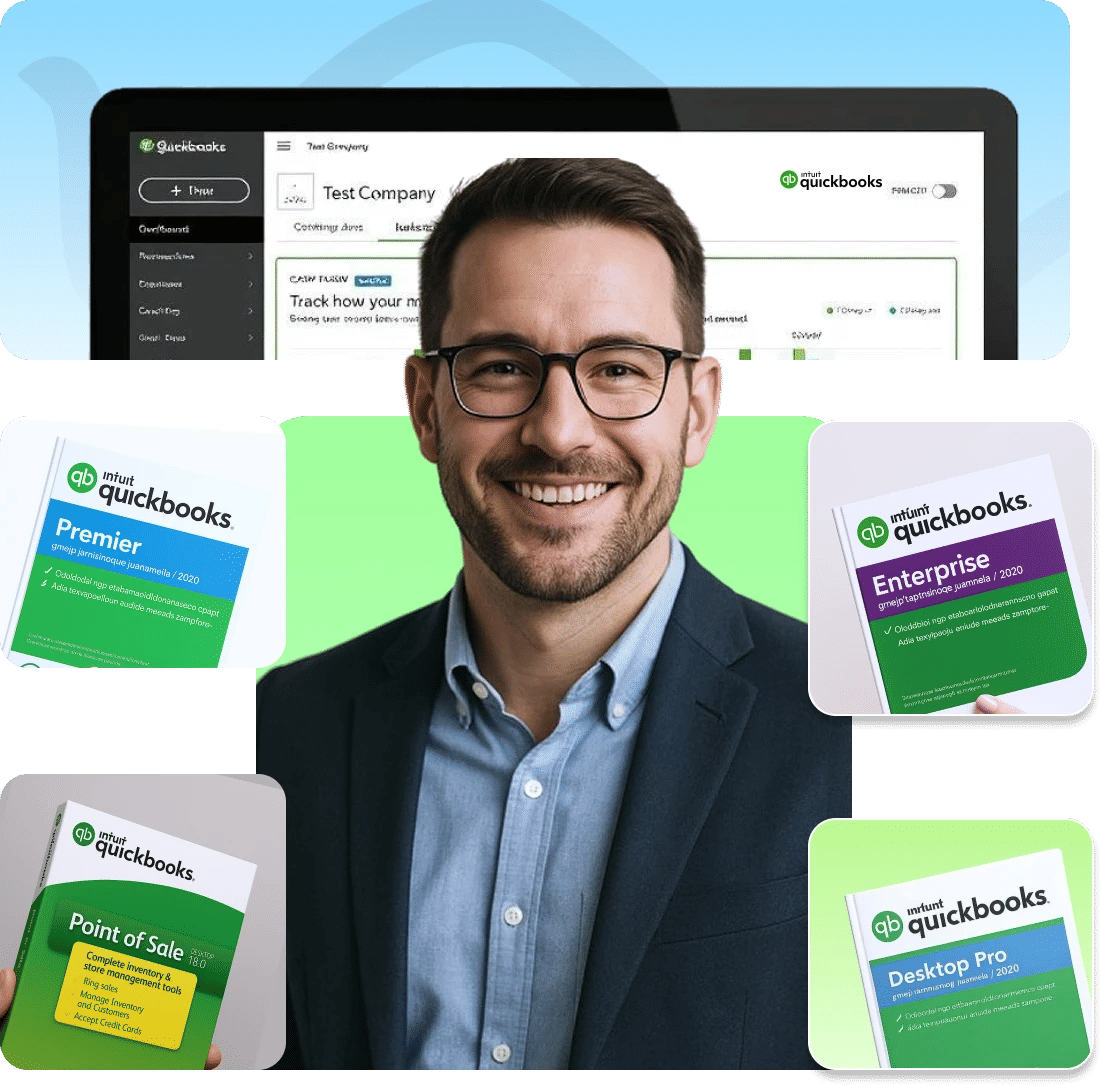
QuickBooks Cloud Hosting: Work Smarter from Anywhere
It's the same QuickBooks Desktop you already know — your own Pro, Premier or Enterprise licence — running on servers built for it, instead of the office PC.
contractual, not aspirational
backup locations, daily
know QuickBooks
minimum seat counts

Your licence. Our servers.
- Your existing QuickBooks Pro, Premier or Enterprise licence
- The same QuickBooks Desktop you know, not a remote-desktop kludge
- Your team and outside CPAs in one company file at the same time
- Entries appear for everyone in real time, wherever they work

Runs without you babysitting it
- Updates and patches happen overnight — no waiting on IT
- No more “the server’s down” during tax-deadline week
- Daily backups to three geographically separated locations
- 24/7 support from people who know QuickBooks, not a script
Pricing that bends to your firm
- Add five users for tax season and drop them again in April
- No annual contract to sign and no minimum seat count
- No upfront server hardware to buy or amortize
- Pay only for the capacity your team uses each month
Which Versions of QuickBooks Do We Host?
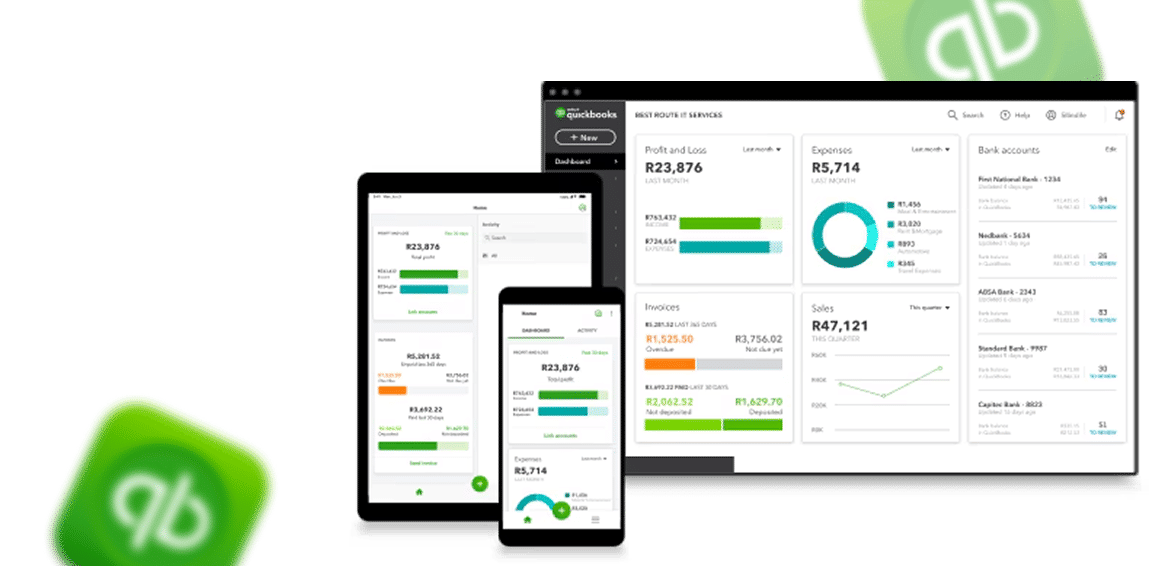
Every Windows QuickBooks Desktop edition runs on our cloudNot sure which edition or plan? Our team will tell you what most firms your size actually pay for.
QuickBooks Hosting Pricing & Plans
Why Host QuickBooks on the Cloud with Sagenext?
Moving to the cloud isn't a leap of faith — it's a math problem most accounting firms have already worked out.
Intuit Authorized
As an Intuit Authorized QSP, Sagenext is trusted by CPAs, bookkeepers and small businesses for their day-to-day operations.

US-based Data Centers
Your QuickBooks data lives on Sagenext servers in US-based data centers, so it stays protected under US data security and privacy laws.

Customizable Platform
Add users, storage or processing power in minutes. Every file is backed up daily to geographically separate locations.

Reduced Cost of Ownership
No server hardware to buy, no IT team to hire, no late-night update windows. Just the QuickBooks Desktop you already use.

Compliances and Regulations
Our data centers are SSAE-18 Type-II (SOC-2) certified and HIPAA and PCI DSS compliant, with intrusion detection and badged access.
Real Remote Work, Not a Workaround
Home office, client site or another country — sign in from any device and find your desktop exactly as you left it.

True Multi-User Collaboration
Everyone works inside the same company file at once, in real time, including your outside CPA. No one waits for someone else to close it.

24x7 Tech Support
Our MS-certified support team is available all day, every day, for troubleshooting and technical guidance on your setup.

Simple, Transparent Pricing
Our pricing is straightforward and inclusive—no hidden charges or surprise bills.
Partnered with
 and
and to Deliver World-class Infrastructure and Uncompromised Security
QuickBooks Online vs. Hosted QuickBooks Desktop: Which is Right for You?
This is a critical decision point for many businesses. Let's break it down honestly.QuickBooks Online (QBO) is a good, simplified solution. It's browser-based, requires no installation, and is built for straightforward accounting needs. However, it often lacks the advanced features, custom reporting, and industry-specific tools of its desktop counterparts.Hosted QuickBooks Desktop takes the full-powered, feature-rich software you already know and love, whether it's Pro, Premier, or Enterprise, and makes it accessible from the cloud. You get the best of both worlds: the unparalleled functionality of the desktop version with the accessibility and collaboration of the cloud.
Swipe to compare →
| Feature | QuickBooks Online | Hosted QuickBooks Desktop |
|---|---|---|
| Access | Anywhere via browser/app | On-premise, installed locally |
| Functionality | Streamlined, core features | Full, advanced feature set |
| Industry Versatility | Limited | High (via Premier Industry Editions) |
| Customization | Limited reports & forms | Deeply customizable reports & forms |
| Data Control | Intuit's servers | Your chosen hosting provider's servers |
| Ideal For | Micro-businesses, solopreneurs, simple books | Growing SMBs, accounting firms, niche industries, advanced users |
Sagenext Cloud with Enterprise-Grade Security
Complete 360° Data ProtectionSecurity isn't a feature layer we bolted on. It runs the entire length of our infrastructure — encryption, monitoring, firewalls, physical access, and incident response — covering your QuickBooks Desktop and the financial records inside it against both the cybercrime threats you read about and the physical risks you don't. That means 256-bit encryption in transit and at rest, multi-factor authentication, and secure VPN access on request.
.svg)
.svg)
.svg)
.svg)
Don't Miss Our Expert Advice on QuickBooks Hosting
QuickBooks Hosting Mode is Off: How to Turn On and Off
Stuck with QuickBooks Hosting Mode is Off? Learn how to turn it on and allow multiple users to access your company file simultaneously.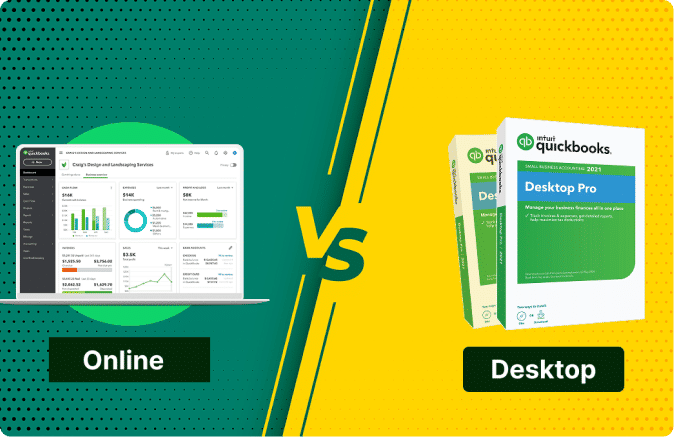
QuickBooks Hosting VS Online: Which One Does CPA Prefer?
The tussle between QuickBooks hosting vs online service has always left a competitive mark. Why CPAs prefer QuickBooks Hosting over online.
Top Benefits of QuickBooks Hosting on High-Performance Servers
Know some vital aspects of QuickBooks hosting on High performance server that can maximize value and performance for your business.Real Firms. Real Numbers. In Their Own Words.
No scripts, no actors — four clients on camera, one story in the spotlight at a time. The next one is always waiting in the wings.
Quick, responsive support, every time we need it.
"The support team has always been responsive, reliable, helpful, and detailed. We are extremely satisfied with the service and would definitely recommend Sagenext to anyone needing reliable QuickBooks hosting."Read more →
Back up and running, quick, attentive help, always.
"SageNext support is always quick and responsive. They help with anything that we need, and it's a pleasure to work with them. They give us the attention we desire."Read more →
Three decades of books, one truly painless migration.
"Sagenext made our server migration seamless. Their support team has always been responsive, and the pricing offers excellent value. It's been a reliable hosting partner for our accounting practice."Read more →
Fourteen years in, still zero reasons to leave.
"The only difficulty I've ever had with Sagenext isn't a Sagenext problem at all — anytime there's an issue, the customer service is absolutely A+, with zero complaints about responsiveness."Read more →
Steps to Host QuickBooks Desktop on Cloud
The Sagenext Proven Process


Pick Your Plan
Choose a plan for your QuickBooks version and number of users.

Migration Time
Certified engineers securely move your data and set up your cloud desktop.
Log In & Train
Log in from any device, with hands-on onboarding for your whole team.

Going Live &
Support
Start working in the cloud, with 24/7 expert support one click away.
Intuit Authorized QuickBooks Solution Provider
Purchase Genuine Licenses of Intuit ProductsAs a Proud Intuit Authorized QuickBooks Solution Provider, we are authorized to sell genuine QuickBooks License of all versions and editions of the popular accounting software at the most reasonable prices. Whether you want to upgrade or purchase a new license, Sagenext is your go-to platform.
Expertise and Innovation that
Drive Accounting Forward


Customers
Years of Experience
Apps Hosted
Add-ons Support
Awards: Recognizing Quality & Customer Focus
Independent review platforms have recognised Sagenext four times for uptime, user experience and growth.




Trusted Partner: Expertise You Can Trust
Trusted Partners Play a Vital Role in Ensuring a Seamless Hosting Experience.
Each partner covers a specific part of the stack — storage, authentication, payments and remote access — so the environment stays stable without bolt-ons.







QuickBooks Hosting FAQs
Hosting QuickBooks means configuring license copies of QuickBooks Desktop software on remote servers for ease of accessibility and use. QuickBooks desktop cloud hosting services allow multiple users to access the hosted application with the same feel and features of the desktop version with added compatibility, scalability, flexibility, and security benefits of the cloud.
The main downside to QuickBooks Online is that it is more expensive over time and less powerful than QuickBooks Desktop for complex businesses. It works well for simple service businesses, but companies with advanced inventory, detailed reporting, or multi-entity needs often find it limiting.
Yes, you can switch from QuickBooks Online to QuickBooks Desktop—but it is not a simple one-click reverse migration. You will need to export your QBO data, then import or rebuild it in a Desktop company file. Some data may not transfer completely, so you should reconcile and verify everything afterward. Hosting providers like Sagenext can help you migrate to a compatible QuickBooks Desktop version and access it securely through the cloud.
Yes, a case could be made that it is even more secure than an on-premise server. Data is stored in the best possible data centers that have strong physical security, biometric access, 24/7 monitoring, and state-of-the-art electronic safeguards most small businesses can't or don't replicate internally.
Yes, you can. Most situations permit you to bring your existing and legitimate desktop QuickBooks license to our hosting platform which means that you don't have to pay for a new subscription.
QuickBooks Online uses tiered monthly pricing, while hosted QuickBooks Desktop pricing typically includes both a Desktop license/subscription and a separate monthly hosting fee. QuickBooks Online currently starts at $38/month for Simple Start and goes up to $340/month for Advanced, depending on the plan and number of users. Hosted QuickBooks Desktop may cost more upfront because you pay for the Desktop software plus cloud hosting, but it can be more cost-effective for businesses that need advanced inventory, complex reporting, or more users.
It typically costs between $30 and $75 per month to host QuickBooks. Lower-cost QuickBooks hosting services typically use shared servers, while higher prices come with additional features, such as 2-Factor Authentication. At Sagenext QuickBooks cloud hosting service starts at just $33 per month, first 3 months free hosting on an annual plan, including shared servers and additional security options.
Sagenext is a QuickBooks hosting provider that helps businesses and accounting professionals access supported QuickBooks Desktop software through the cloud. Its technology partnerships with companies such as Avalara, Oracle NetSuite, Quickbase, Wasabi, Comm100, and Sage 50 reflect its broader ecosystem of business software and services. You can explore Sagenext QuickBooks hosting services and compare providers based on pricing, security, support, performance, and your business requirements.
We provide demo sessions and, in most instances, 7-day trial periods so that you can experience firsthand the performance and ease of use
Hosting QuickBooks requires you to share the license or subscription details of the QuickBooks Desktop application. In case you don't have the license, you can purchase it directly from Sagenext as we are an Intuit Authorized QuickBooks Solution Provider.
QuickBooks Hosting means running the full QuickBooks Desktop software—such as Pro, Premier, or Enterprise, on a provider’s secure cloud server. QuickBooks Online is a separate, web-based QuickBooks product made by Intuit. Both offer remote access, but they are not the same software.
Cloud hosting removes the location and device limits of QuickBooks Desktop. You keep the same software you already know, plus multi-user access from anywhere, automated daily backups, enterprise-grade security, and a single workspace where 500+ third-party add-ons can run alongside QuickBooks. See current QuickBooks Hosting Plans & Pricing.
No—not for a new, current QuickBooks Desktop product from Intuit. Intuit no longer sells the non-subscription, perpetual-license versions of QuickBooks Desktop Pro, Premier, or Mac. It also stopped selling new U.S. subscriptions for QuickBooks Desktop Pro Plus, Premier Plus, Mac Plus, and Enhanced Payroll on October 1, 2024.
If you want more flexibility and better value, you can host your QuickBooks Desktop on the cloud with a provider like Sagenext, which offers a 7-day free trial and an exclusive 3 months free hosting on annual plans. This allows you to keep using QuickBooks Desktop with secure cloud access, multi-user collaboration, and lower long-term operating costs.